Glance RSS


Description
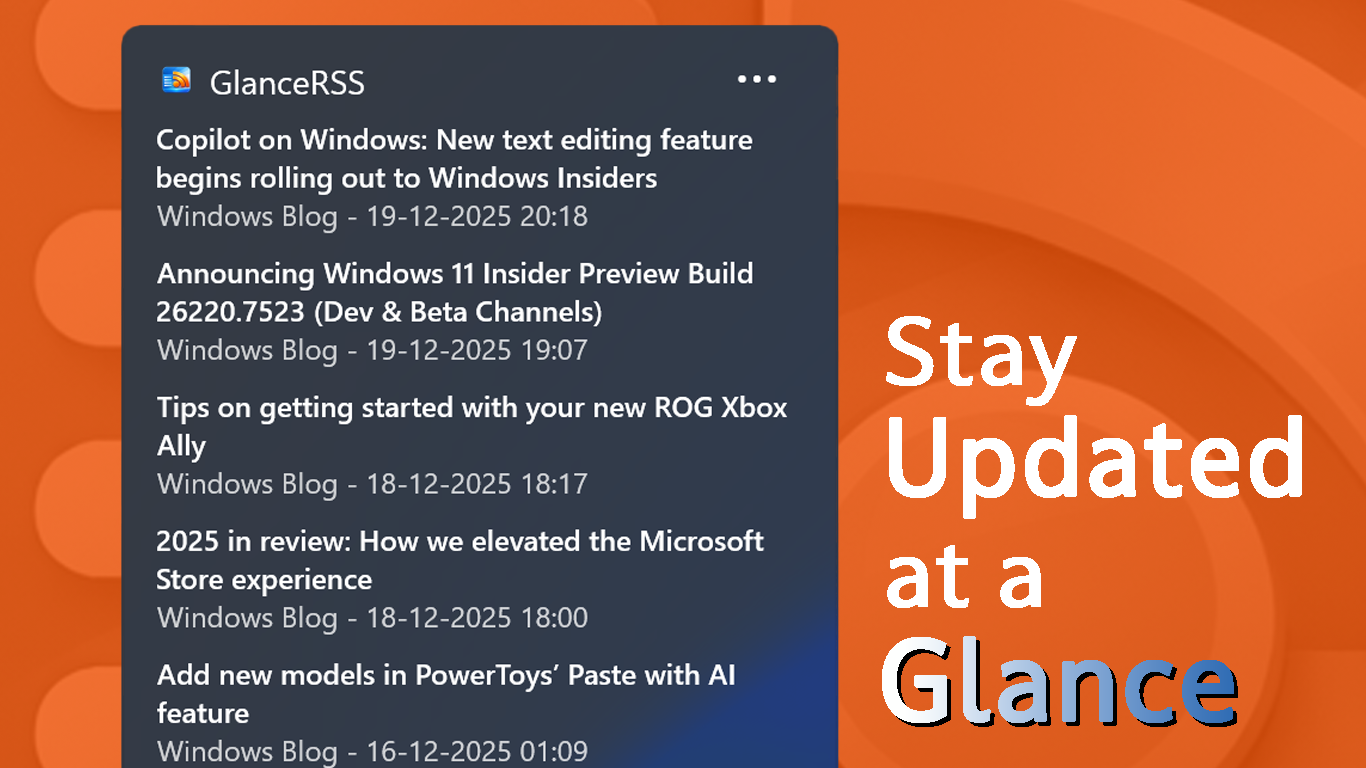
Stay informed at a glance with a customizable RSS reader widget built specifically for the Windows 11 Widgets Board. GlanceRSS surfaces headlines, summaries, and fresh content from your favorite sources without launching a browser—clean, fast, and integrated with the Windows 11 design language.
Add the widget to your Widgets Board and tailor it to your needs: choose feeds, set refresh intervals, and personalize headline appearance. Perfect for following tech news, blogs, and niche communities—updates are always one swipe away.
Key features
- Add and manage your own RSS feeds
- Clean, modern widget built for Windows 11
- Quick‑glance headlines and summaries
- Customizable layout and feed order
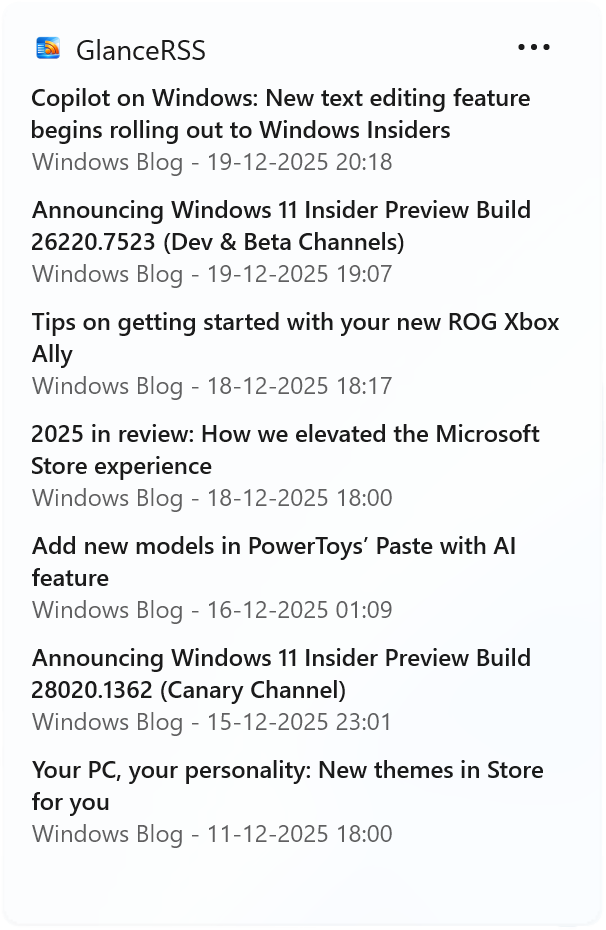
RSS Feed WidgetNEW
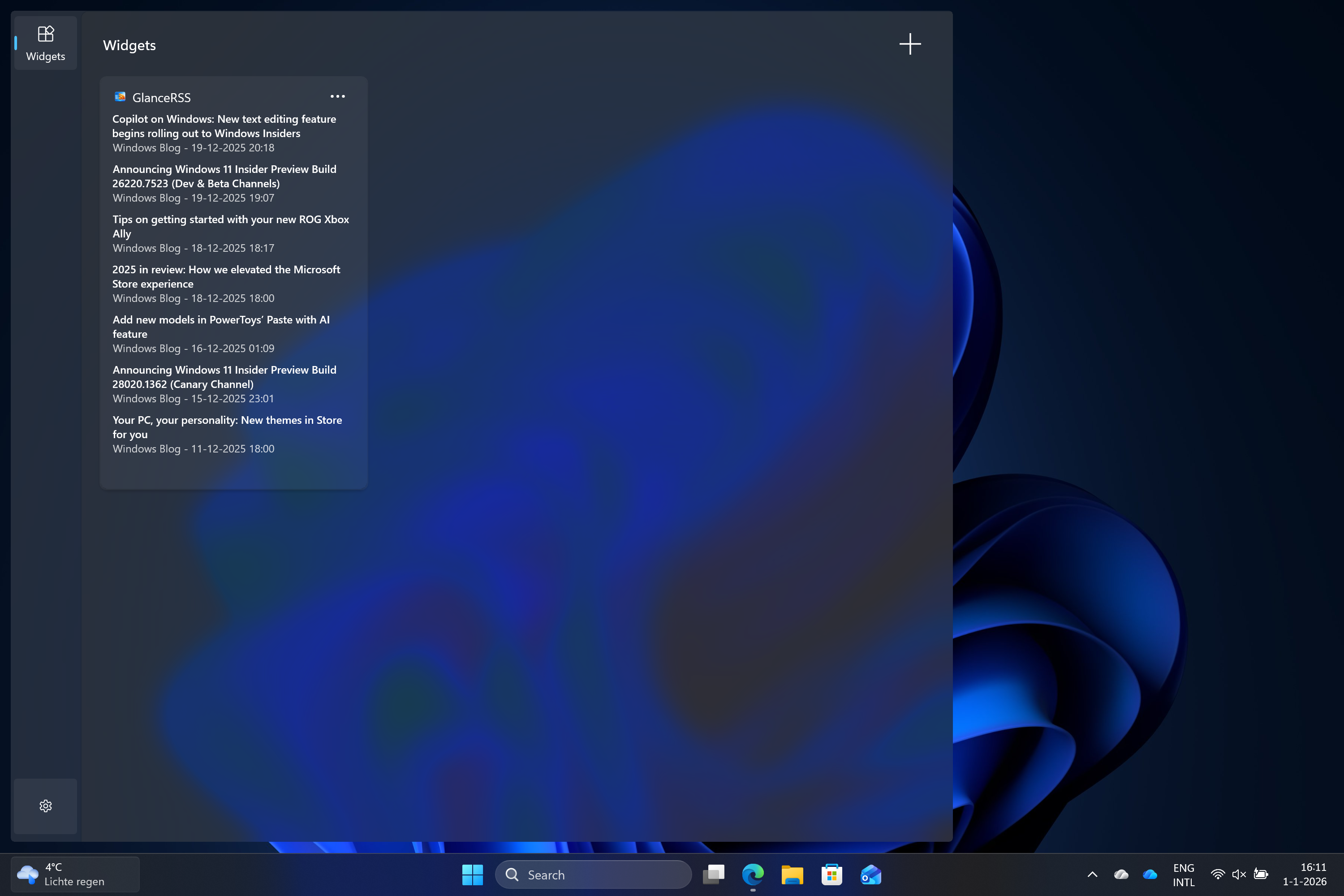
See your feed
- The latest messages in a glance
- Place the widget multiple times with different feeds visible
Screenshots
How the app works
Get set up in seconds — Configure GlanceRSS
Add feeds to the app
Add your favorite rss feeds to the app. The feeds can come from anywhere and you can add unlimited number of feeds
Add widget to the widget board
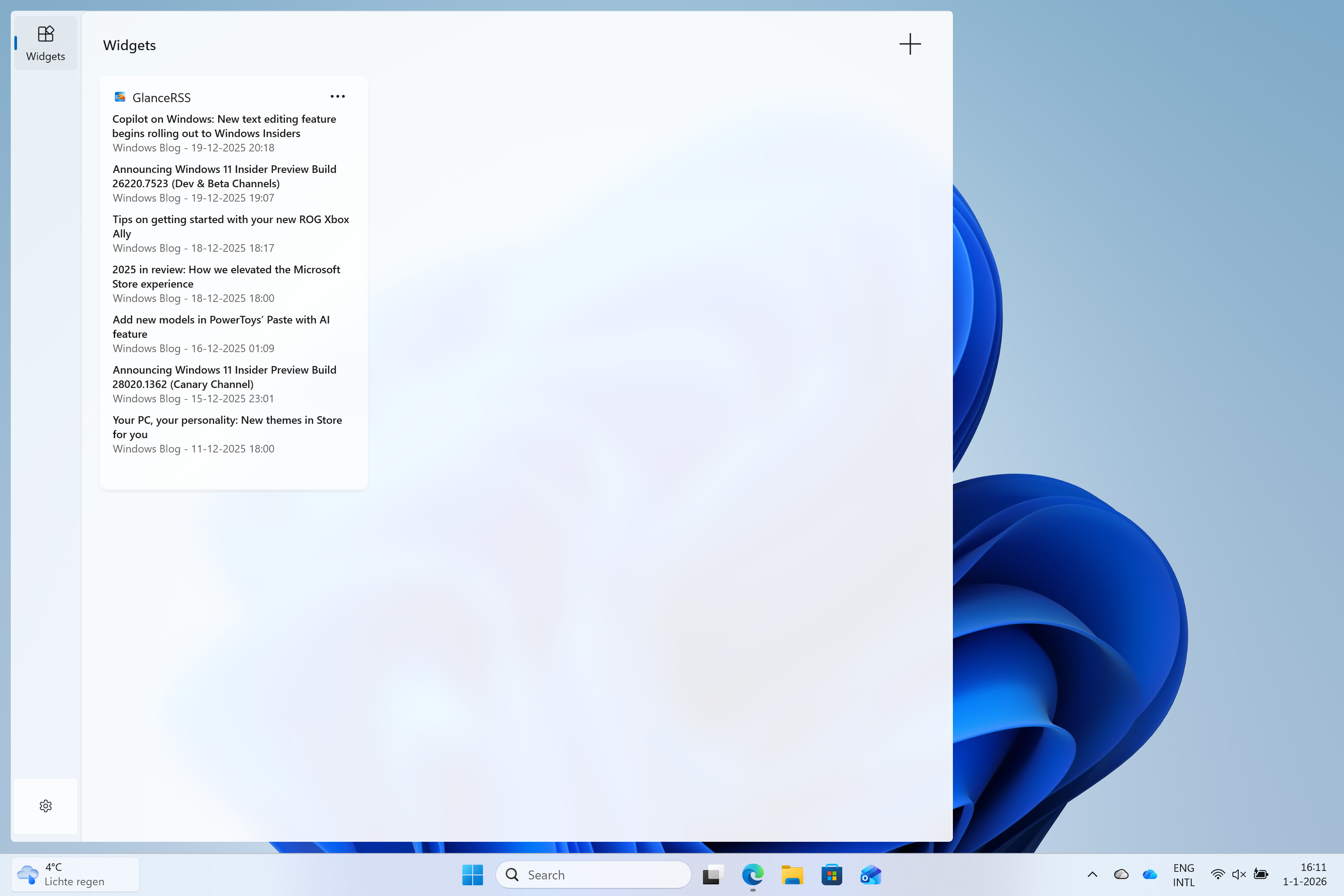
Open the Windows widget board and click the "+" button to add GlanceRSS to your board.
Configure the widget
Optionally you can configure the widget. You can change the title of the widget and manually select which feeds are visible for this instance.
Repeat
Add multiple instances and configure each to show a different feeds for a personalized dashboard.