Trending Documents

Description
Stay ahead with Trending Documents, the tool that helps you stay informed about the documents that matter most in your work environment. Seamlessly integrated with Microsoft 365, Trending Documents gives you quick insight into what is happening in your OneDrive and across your organization. See the files you recently worked on, stay on top of changes, and discover relevant documents your colleagues are working with.
Key Features
- Your OneDrive Activity: Quickly access the documents you recently opened, created, edited, or updated in OneDrive, so you can easily continue your work and stay organized.
- Discover Trending Documents Around You: See relevant documents your colleagues have been working on and stay connected with activity across your team and organization.
- Know What’s Happening: View document activity and see which colleagues contributed, helping you understand what changed and who is involved.
- Stay Up to Date: Keep track of the latest updates, so you never miss an important change in the documents you work with.
Trending Documents includes two widgets designed to help you stay productive and informed:
- Used documents: Shows the documents you recently used in OneDrive, including files you read, created, edited, or updated. Open them directly from the widget and quickly resume your work.
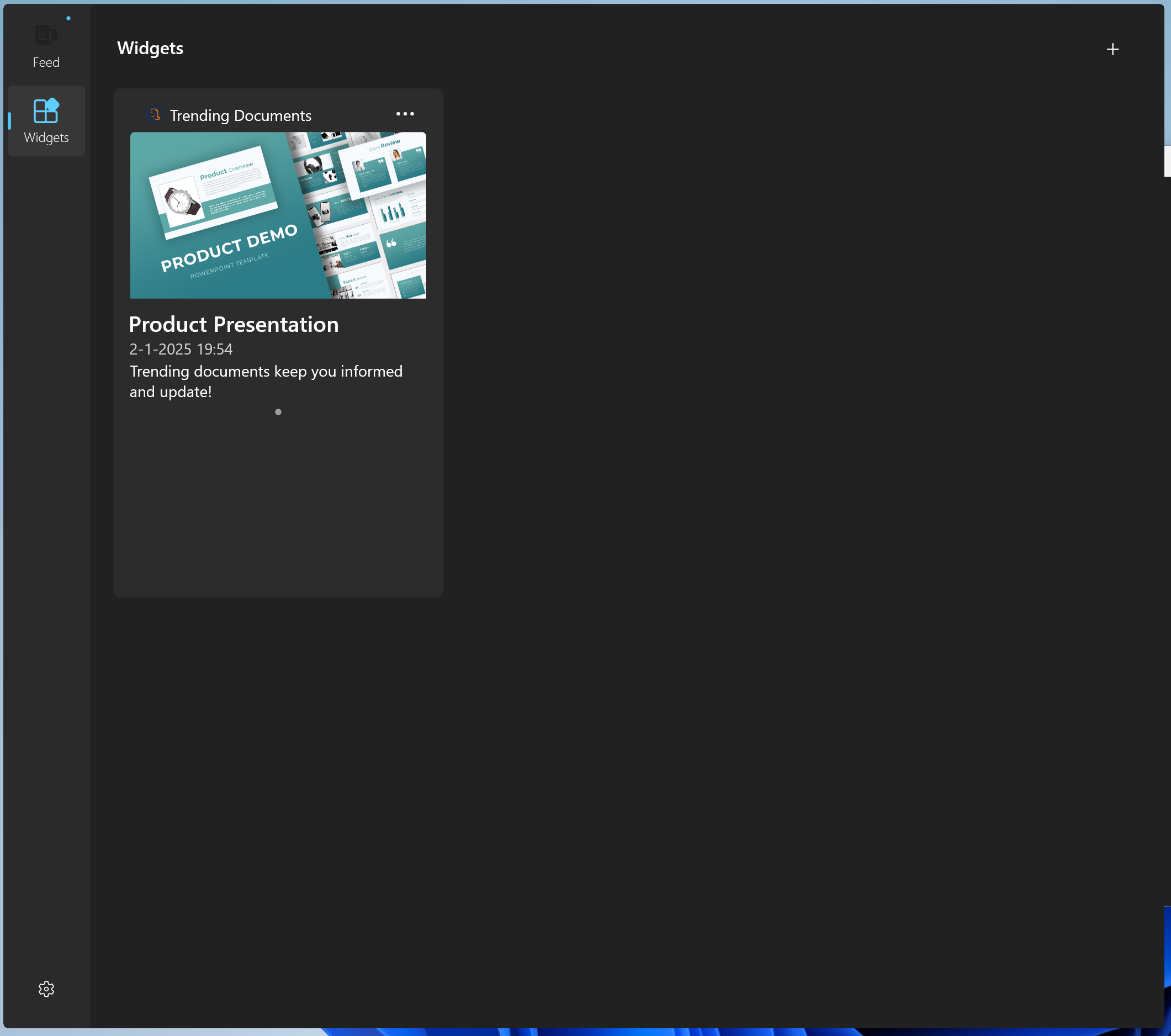
- Trending documents: Shows documents that are trending around you, based on activity from your colleagues and organization. This helps you stay in the loop with team activity and open relevant documents directly from the widget.
- Supports only organizational (work / school) accounts.
- Note: As the app is built by an individual, an administrator must allow the app for Microsoft organization accounts.
Used Documents widget
Quickly get back to the files you recently used in OneDrive
- See the latest documents you opened, created, edited, or updated
- Filter by file type: Word, Excel, PowerPoint, PDF, or images
- Add the widget multiple times with different filters
- Open documents directly from the widget
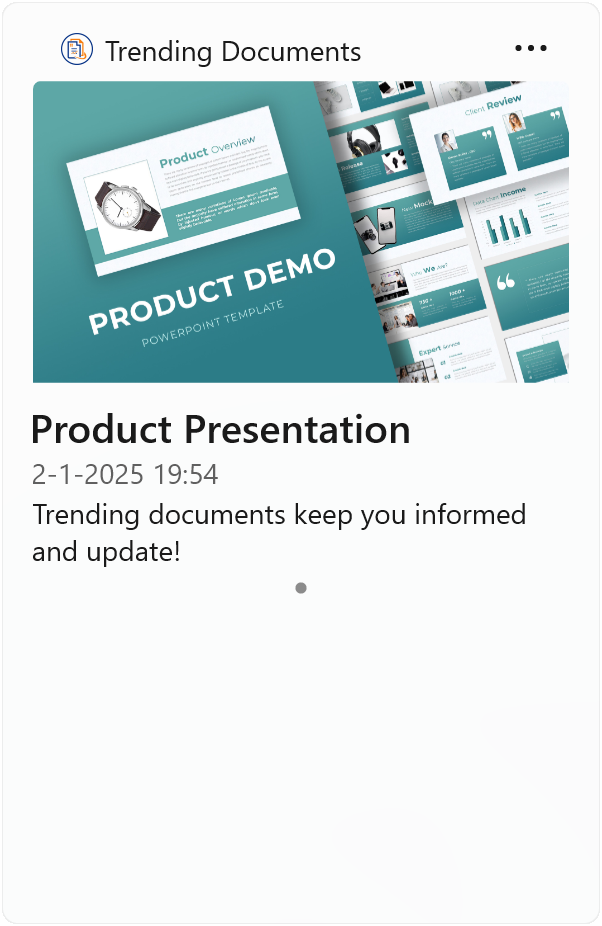
Trending documents widget
Documents from your colleagues
- Stay in the loop, see what your colleagues are working on
- Directly open the document from the widget
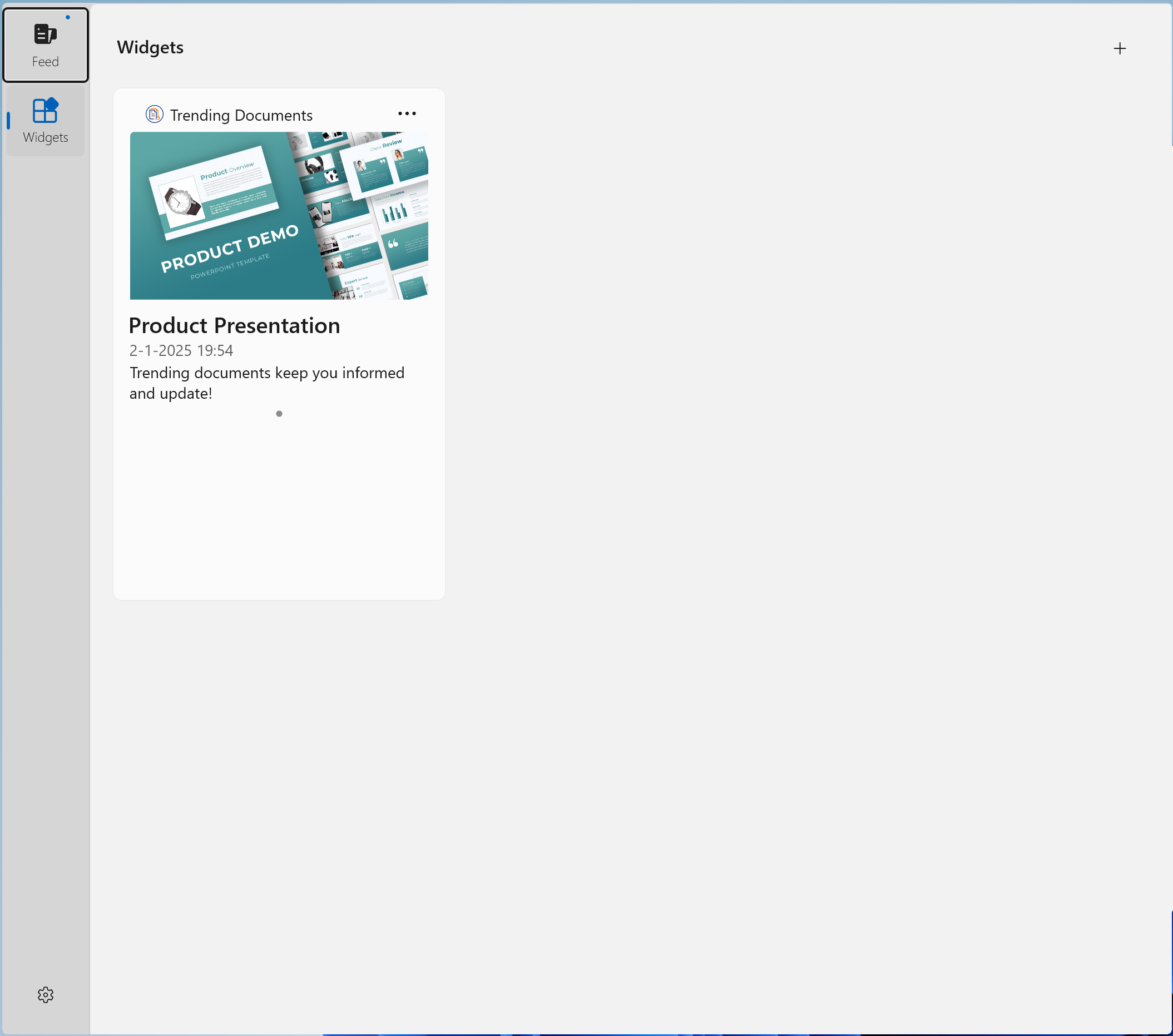
Screenshots
How the app works
Get set up in seconds — Trending Documents brings important documents and activity to your widget board so you can stay informed without opening a full app.
Sign in with your Microsoft 365 account
Open Trending Documents and sign in using your Microsoft 365 organizational or personal account.
Open the widget board
Open the Windows widget board and click the "+" button to add a new widget.
Add one of the Trending Documents widgets
Select one of the two available widgets (colleagues' activity or your recent documents) and press "Add" to place it on your board.
Select the desired widget size
Choose the widget size that fits your layout — larger sizes display more documents and details.
What Users Say
"A must-have for document collaboration!"
"Great integration with Office 365"