Glance RSS


Description
Stay informed at a glance with GlanceRSS, a customizable RSS reader widget built for the Windows 11 Widgets Board. Bring your favorite news sources, blogs, developer updates, and content feeds directly to your desktop in a clean, modern widget that feels right at home on Windows 11.
Add GlanceRSS to your Widgets Board and tailor it to the way you read. Choose your own RSS feeds, customize the widget title, adjust refresh behavior, and select the layout that works best for each feed. Whether you want a compact headline-focused view or a more visual layout with hero images, GlanceRSS lets you create the perfect widget for every topic you follow.
Each widget instance can be customized independently. Create one widget for tech news, another for design inspiration, one for developer blogs, and another for niche communities — each with its own feeds, title, and template.
Designed for clarity, speed, and simplicity, GlanceRSS keeps you connected without opening a browser or switching apps. It is lightweight, distraction-free, and perfect for users who want a streamlined way to stay up to date.
Key features
- Add and manage your own RSS feeds
- Built for the Windows 11 Widgets Board
- Clean, modern design that fits Windows 11
- Quick-glance headlines and summaries
- Customizable widget title
- Multiple display templates
- Choose between compact text layouts and visual hero image layouts
- Customize each widget instance independently
- Create dedicated widgets for different topics
- Personalize feed selection and layout per widget
Bring your news closer — right to your Widgets Board.
RSS Feed WidgetNEW
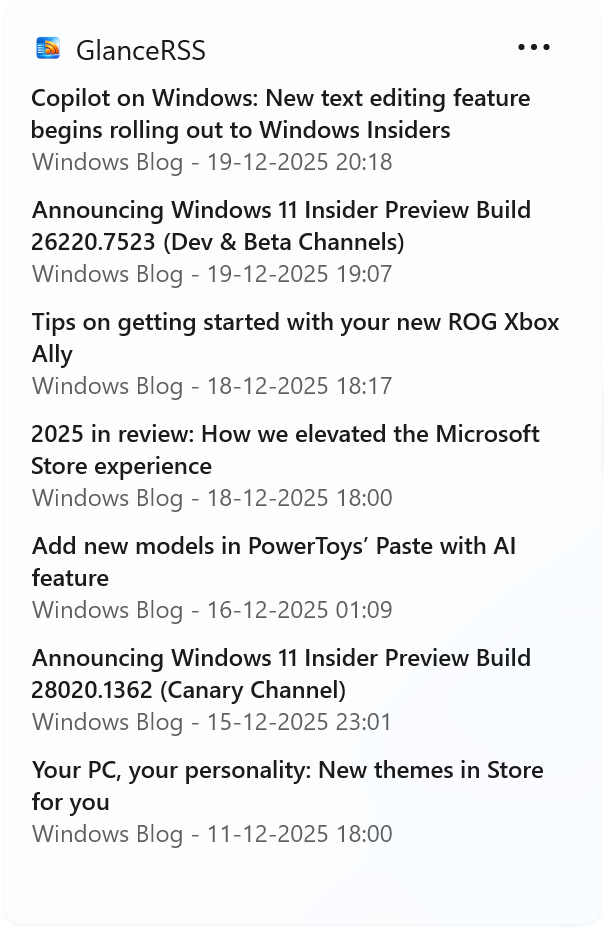
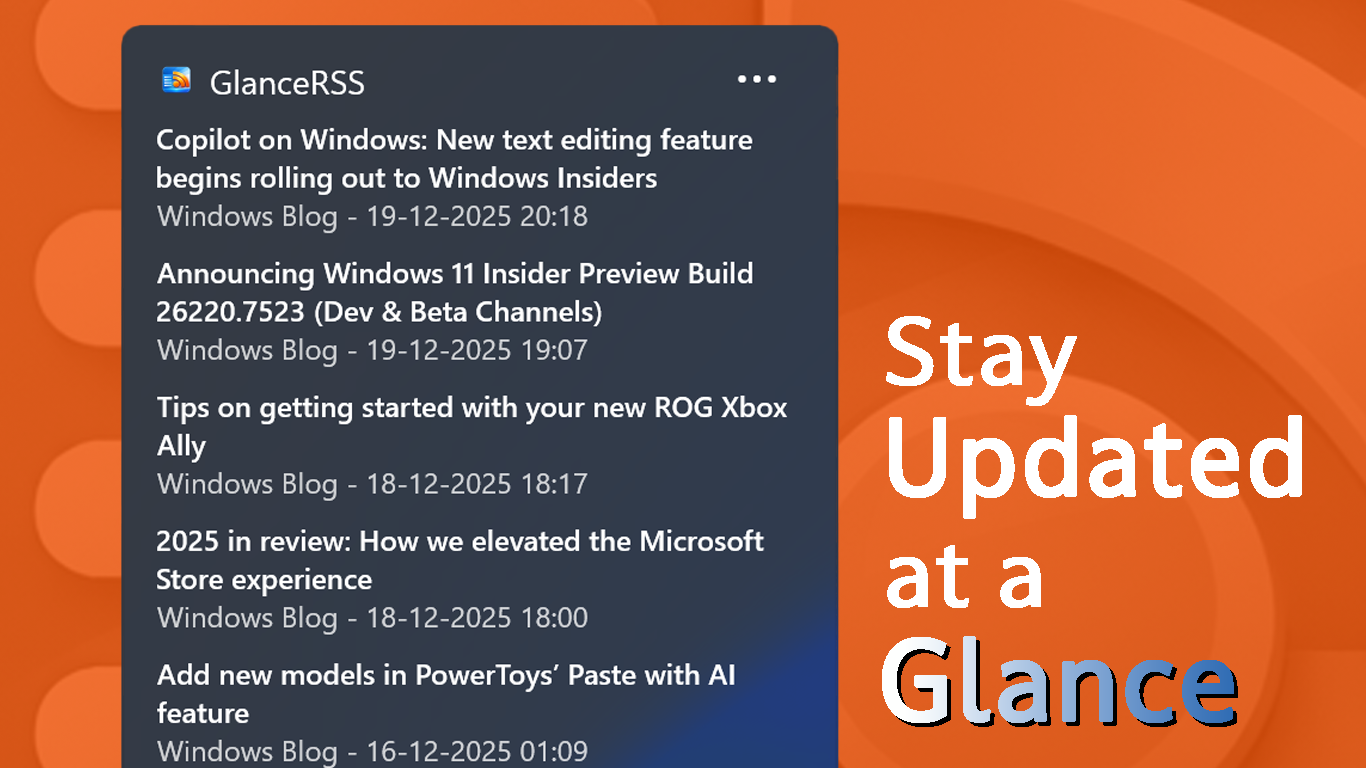
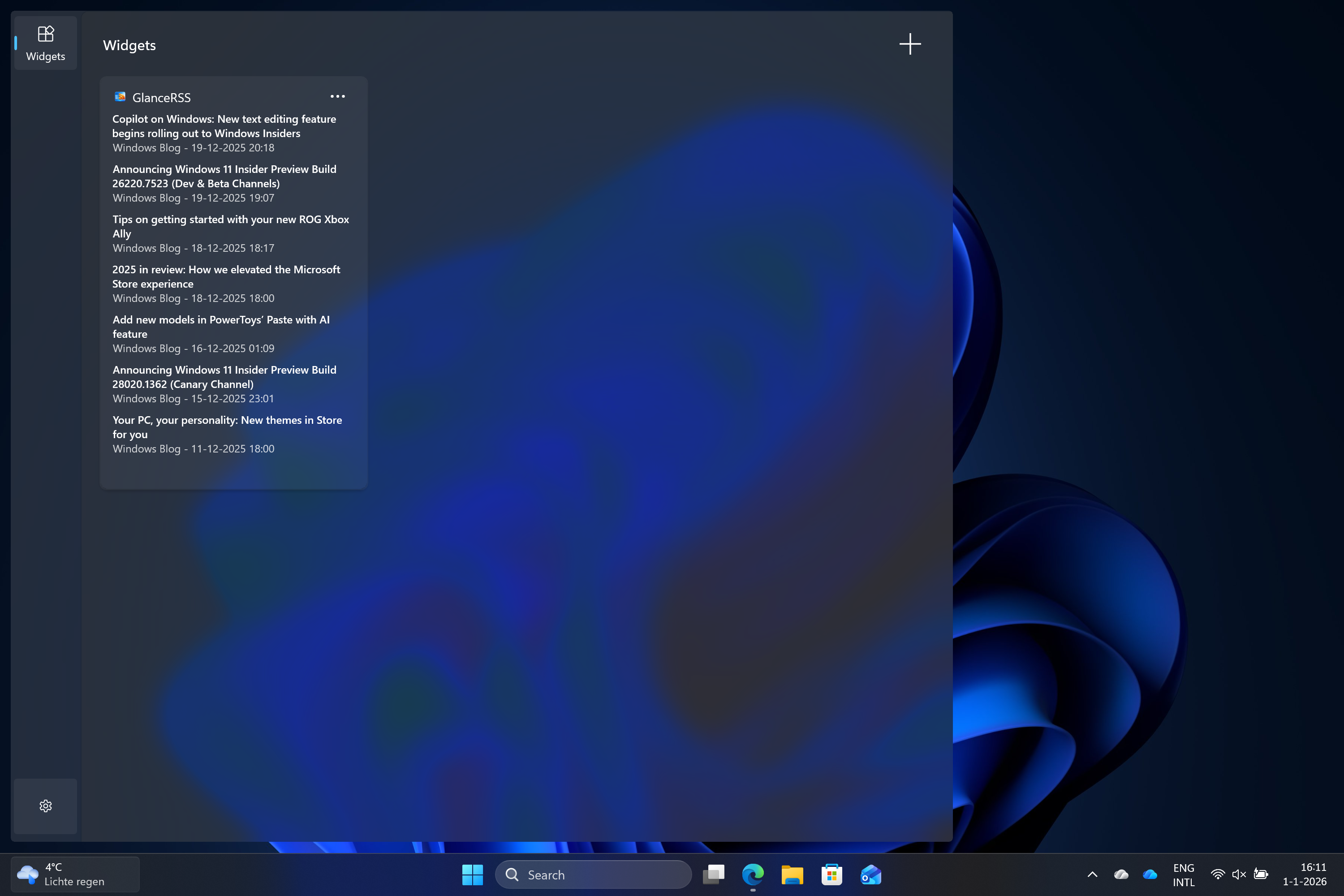
See your feed
- The latest messages in a glance
- Place the widget multiple times with different feeds visible
Screenshots
How the app works
Get set up in seconds — Configure GlanceRSS
Add feeds to the app
Add your favorite rss feeds to the app. The feeds can come from anywhere and you can add unlimited number of feeds
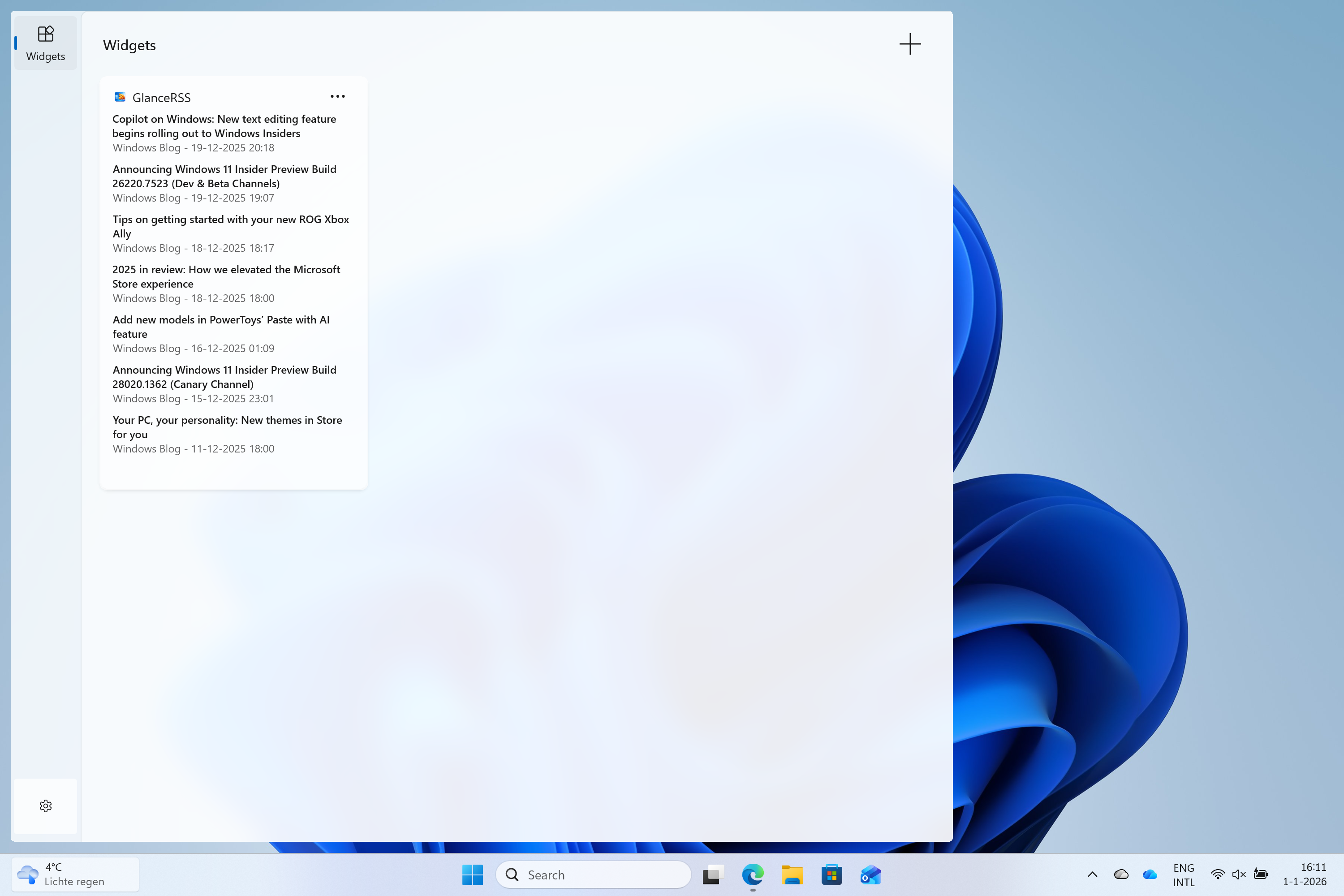
Add widget to the widget board
Open the Windows widget board and click the "+" button to add GlanceRSS to your board.
Configure the widget
Optionally you can configure the widget. You can change the title of the widget and manually select which feeds are visible for this instance.
Repeat
Add multiple instances and configure each to show a different feeds for a personalized dashboard.