Always On Widget
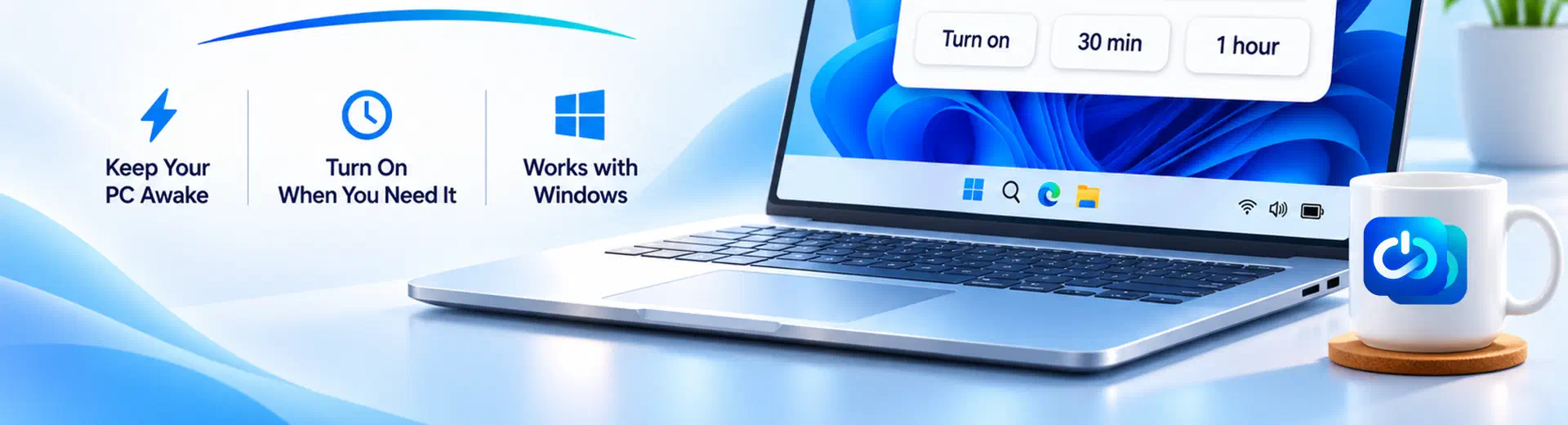


Always On – Keep Your PC Awake
Stay awake. Stay productive. Stay in control.
Always On is a lightweight Windows utility that keeps your PC from going to sleep when you need it most. Whether you're downloading large files, giving a presentation, monitoring a process, or running a long task, Always On helps keep your workflow uninterrupted.
No complicated settings. No unnecessary distractions. Just a simple way to keep your computer awake.
Key Features
- One-click control – Enable or disable sleep prevention instantly.
- Flexible timers – Keep your PC awake for 30 minutes, 1 hour, or until you manually turn it off.
- Windows 11 Widget – Control Always On directly from your Windows Widgets Board.
- Lightweight and simple – A minimal utility designed to stay out of your way.
- Stay in control – Return to your normal Windows power settings whenever you disable Always On.
Perfect For
- Large downloads and file transfers
- Presentations and demonstrations
- Long-running processes and background tasks
- Any situation where you need your PC to stay awake
Simple by Design
Always On does one thing and does it well: helping you keep your device awake without constantly adjusting Windows power settings.
Your PC. Your schedule. Always On.
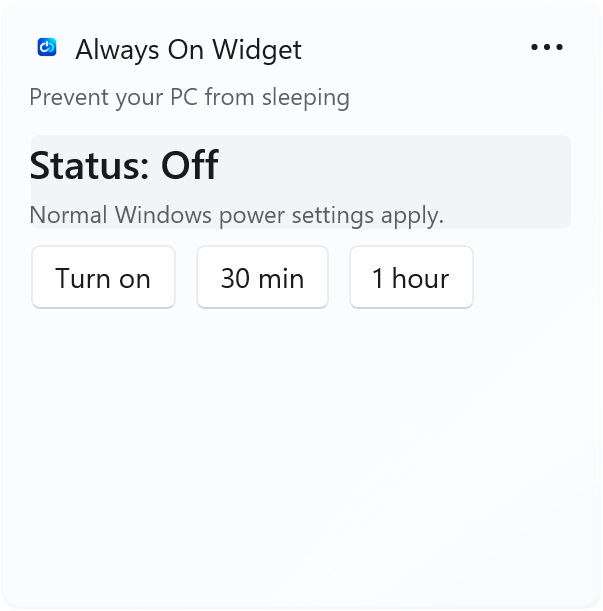
Always On Widget
Keep your PC awake without constantly adjusting Windows power settings
- See the current status
- Quickly toggle between on and off
- Set a timer
Screenshots
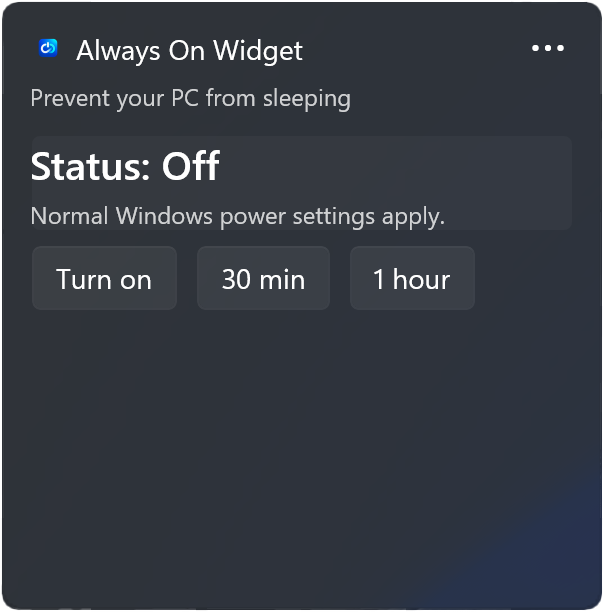
How the widget works
Add Always On to your Windows Widgets Board, then keep your PC awake for as long as you need.
Add the widget to your Widgets Board
Find Always On in the Widgets Board widget picker and add it to your board.
Open the Widgets Board
Open the board whenever you want to control your PC's sleep settings.
Activate Power On
Keep your PC awake until it shuts down, or set a timer to turn Power On off automatically.
Turn it off when you're done
When you no longer need to keep your PC awake, disable Always On to restore your normal power settings.