Trending Documents a better OneDrive widget for your recent files
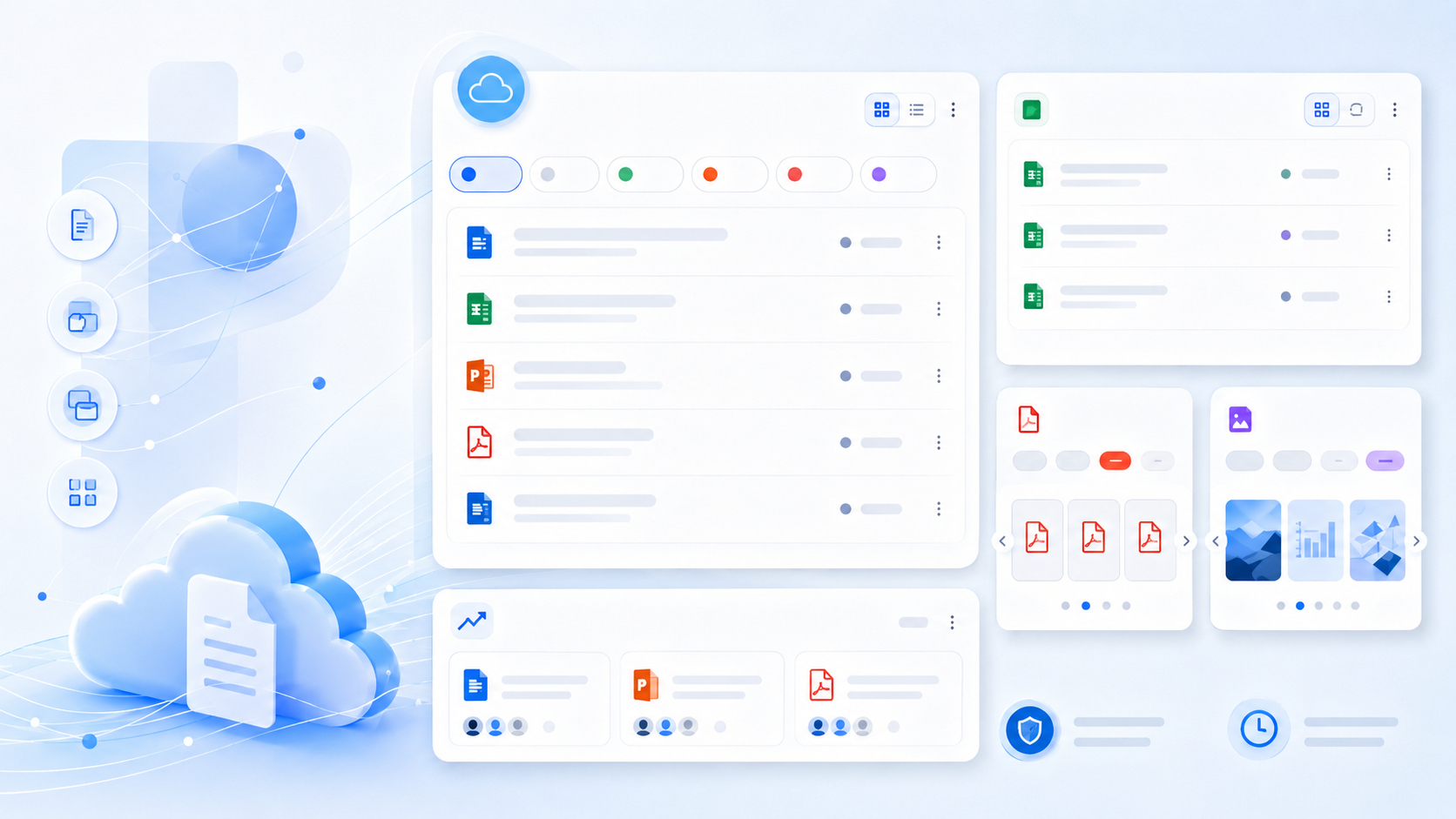
Trending Documents: a better OneDrive widget for your recent files
Staying productive often starts with finding the right document quickly. Whether you are continuing work on a report, checking a spreadsheet, reviewing a presentation, or opening a PDF you recently viewed, your recent OneDrive activity matters.
That is why the new version of Trending Documents puts the Used Documents widget at the center.
Trending Documents is now focused more clearly on helping you stay connected with your own OneDrive files, while still giving you insight into documents that are trending around you in your organization.
Your OneDrive documents, right on your widget board
The most important part of this new version is the improved Used Documents widget.
This widget shows the documents you recently used in OneDrive, including files you opened, created, edited, or updated. Instead of searching through folders, browser tabs, or recent lists, you can quickly return to the files that are already part of your current workflow.
The widget is designed to make your OneDrive activity visible and accessible from the widget board, so you can continue your work with less friction.
Choose which file types you want to see
The Used Documents widget now gives you more control over what appears.
You can select the types of documents you want the widget to show:
- Word documents
- Excel files
- PowerPoint presentations
- PDFs
- Images
This makes the widget more useful for different kinds of work. For example, you can focus only on presentations when preparing for a meeting, show only spreadsheets when working with data, or keep PDFs separate when reviewing documents.
Add the widget multiple times for different workflows
Another important improvement is that you can now place the Used Documents widget on your widget board multiple times.
Each instance can have its own selected file types.
For example, you can create one widget for Word and PDF documents, another for Excel files, and another for images. This gives you a more personalized OneDrive overview and helps you organize your recent files in a way that matches how you work.
Instead of one general list of recent documents, you can build a widget board that reflects your actual workflow.
New list view for a clearer overview
The new version also introduces a list view as an alternative to the existing carousel view.
The carousel view is useful when you want a more visual way to browse your documents. The new list view is ideal when you prefer a compact, structured overview of your recent files.
With list view, you can scan your documents more quickly and open the file you need directly from the widget.
Trending documents around you is still available
While this release puts more emphasis on your own OneDrive activity, the Trending Documents widget is still available.
This widget helps you discover documents that are active around you in your organization. It shows files your colleagues have been working on, helping you stay informed about team activity and relevant documents you might otherwise miss.
Together, the Used Documents widget and the Trending Documents widget give you two useful perspectives:
Used Documents helps you continue your own work in OneDrive. Trending Documents helps you stay aware of what is happening around you.
A more useful OneDrive widget experience
This new version makes Trending Documents more focused, more flexible, and more useful as a OneDrive widget.
With file type filters, multiple widget instances, and the new list view, the Used Documents widget gives you faster access to the files that are most relevant to your current work.
Whether you are working with Word documents, Excel files, PowerPoint presentations, PDFs, or images, Trending Documents helps you get back to your OneDrive files quickly and stay informed about the documents around you.
Relevant widgets
Trending Documents
Stay Informed with Trending Documents in Your Workplace!