Latest Updates
News
PulseHub update: introducing the new Events widget
PulseHub is getting even better. This update adds a brand-new widget and improves one of the existing ones, making it easier to stay informed about the repositories, activity, and events that matter most to you.
Read articleTrending Documents: a better OneDrive widget for your recent files
Windows 11 widgets are most useful when they stay simple. The Widgets board is not meant to replace your desktop, your browser, or your favorite productivity app. It works best as a quick dashboard: press Windows + W, glance at what matters, and get back to what you were doing.
Read articleBest Windows 11 Widgets
Windows 11 widgets are most useful when they stay simple. The Widgets board is not meant to replace your desktop, your browser, or your favorite productivity app. It works best as a quick dashboard: press Windows + W, glance at what matters, and get back to what you were doing.
Read articleGlanceRSS Introduces Custom Widget Templates
GlanceRSS just became a lot more flexible. You can now customize how your RSS feeds appear with multiple widget templates, making it easier to create a feed experience that matches the content you care about most.
Read articleUse the Windows 11 Widget Board to Stay on Top of GitHub with PulseHub
Developers lose a surprising amount of time to tiny context switches. You are coding, then checking GitHub. Back to the IDE, then back to pull requests. Then issues. Then organization activity. It is not hard work, but it breaks flow.
Read articleBest Features of Calendar Dashboard
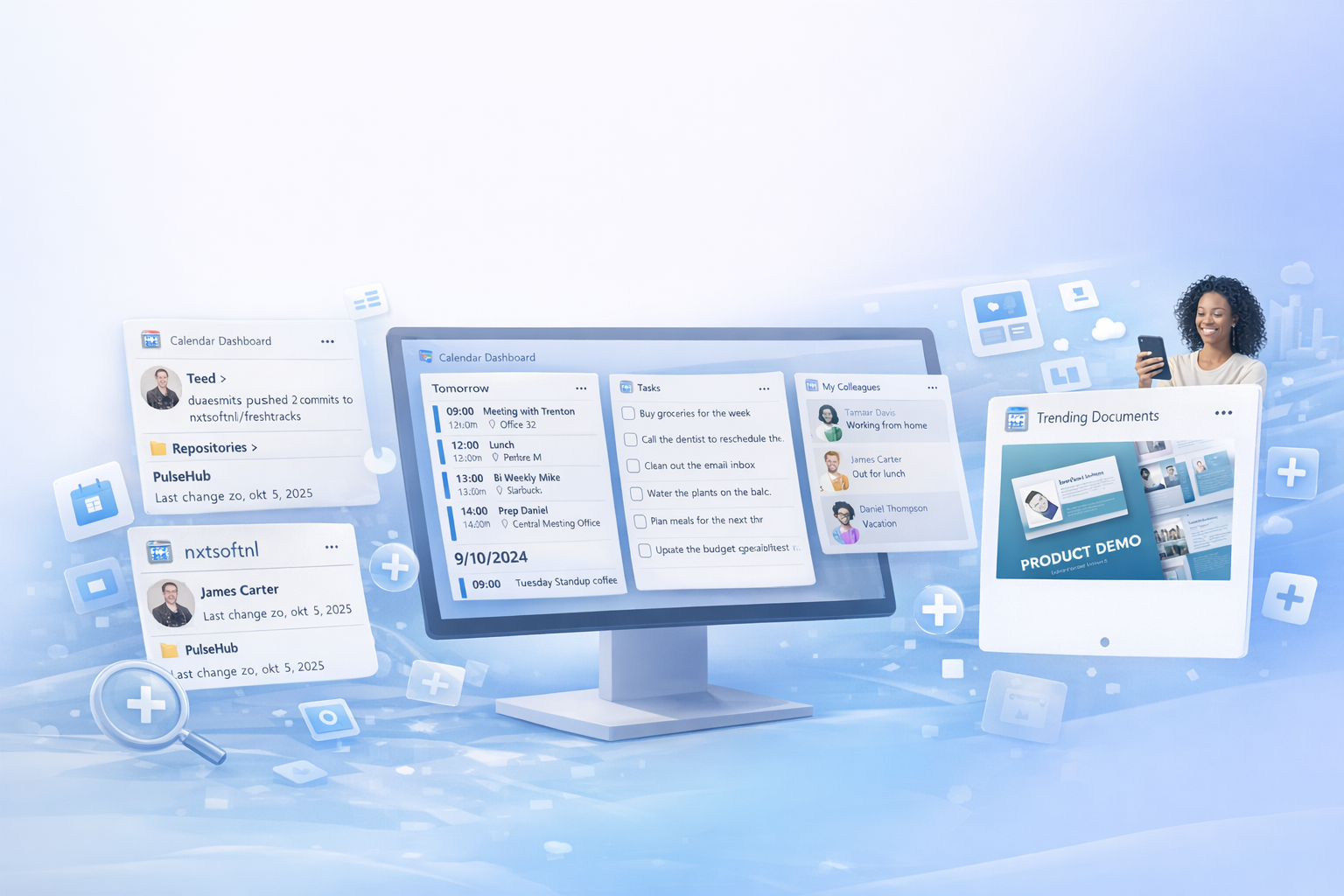
Calendar Dashboard brings your calendar to the Windows widget board so you can see upcoming events at a glance without opening a full app. It integrates with Outlook.com, Microsoft 365, and Google Calendar, supports personal and organizational accounts, and lets you add multiple widget instances to show different calendars side by side.
Read article